

Quick setup
Click New Connection…, select SQLite, pick the file with Browse…, and click Save & Connect. There is no host, port, or credential to fill in. The driver ships inside TablePro and reads the file through the SQLite that macOS supplies, so there is no server version to match..db, .db3, .s3db, .sl3, .sqlite, .sqlite3, and .sqlitedb files list TablePro under Finder’s Open With, as an alternate handler rather than the default one. To make a double-click open them here, select one in Finder, press Cmd+I, set Open with to TablePro, and click Change All….
A database saved under some other name still opens. Drag it onto a TablePro window, pick it in File > Open File…, or drop it on the Dock icon, and the first sixteen bytes decide the driver: a file that starts SQLite format 3 opens here whether it is called store.bin, export, or data.csv. Finder’s double-click is the one route that still needs a name it knows.
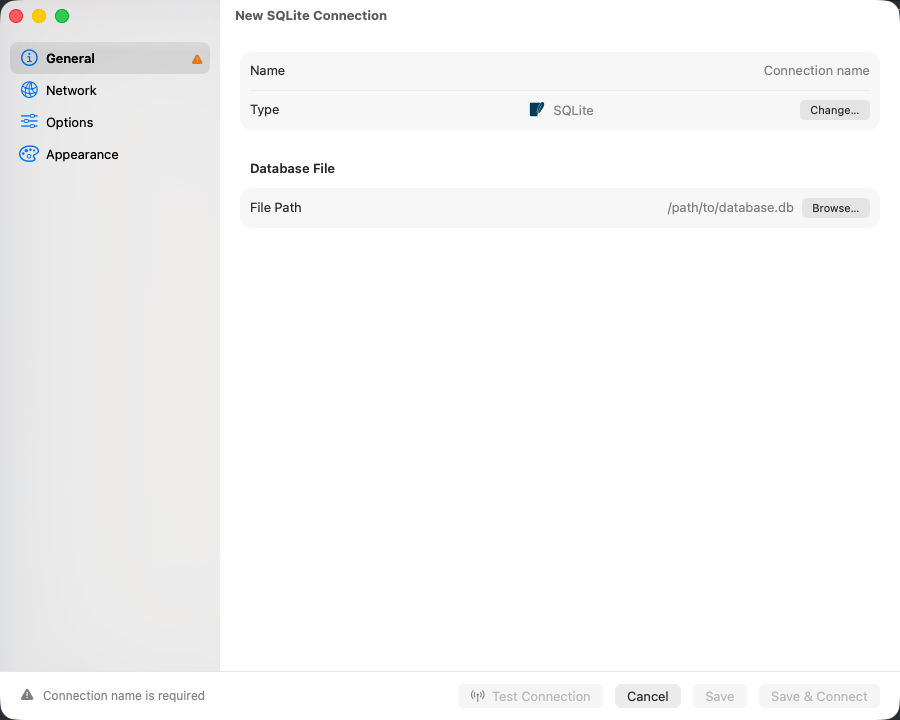
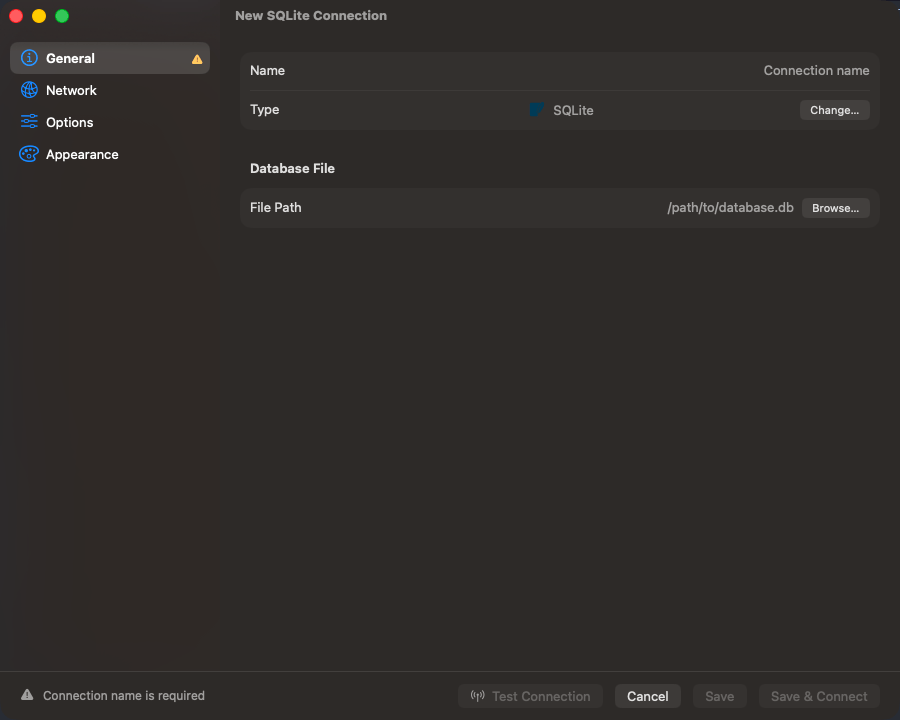
SQLite connection form
Common locations
Connection URL
Browsing
The sidebar lists tables and views and hides the internalsqlite_* tables. Each table carries its columns, constraints, indexes, foreign keys, and DDL; triggers can be read and edited.
Change the file outside TablePro and the object list reloads on its own. Rows already loaded in a tab stay until you refresh that tab.
One connection is one file, with no database to switch between, and the object list reads the main database only: a file you ATTACH in the editor is queryable as alias.table but never appears in the sidebar.
A database on another machine
The Remote File pane points the connection at a database on an SSH server. It is fetched over SFTP and opened from a copy on this Mac, and the original is never written to. The connection runs at Safe Mode Read-Only, so the grid and the editor refuse edits that would only change the copy. Where the server hassqlite3 3.27 or newer, the copy is a VACUUM INTO snapshot, which stays consistent even while other programs write to the database. See Remote Database Files.
Edits that recreate the table
ALTER TABLE covers renaming a table or a column, adding a column, dropping a column, and from 3.53 adding or dropping a CHECK. Everything else the Structure tab offers is made by writing the table again: a foreign key added or removed, and a column’s type, nullability or default changed.
A rebuild writes the table with the definition you asked for, copies the rows across with their rowids, puts the indexes and triggers back, and checks the rows against any new foreign key before committing. The script is shown in full and runs only when you confirm it, and everything staged in the same save travels in the same transaction.
Each column keeps its own stored text, so a CHECK, a COLLATE, a GENERATED ALWAYS AS and a DEFAULT containing a comma all survive a rebuild that touched a different column.
Changing a column’s type re-reads every value in it through the new affinity. Text that looks like a number becomes one, so '007' in a column retyped to INTEGER is stored as 7. The review sheet says so before the script runs.
A virtual table, such as an FTS5 table, cannot be recreated from what SQLite stored for it. The save is refused and names the table.
Limitations
- Encrypted databases do not open. The driver uses the system SQLite, which takes no key, and the form has nowhere to put one. Decrypt a SQLCipher file with the
sqlciphertool first. - A column that is
INTEGER PRIMARY KEYcannot be retyped: the key would stop generating values and start storing NULL. The save is refused and names the column. - A primary key cannot be added, removed or moved.
Troubleshooting
database is locked
Another process holds a write lock. Quit the app that owns the file, or look for-wal and -shm files a crashed process left behind. The wait runs until the query timeout; Query > Cancel Query ends it sooner.
unable to open database file
The path is wrong, or the folder is one you cannot read. For anything under~/Library, grant Full Disk Access and relaunch.
file is not a database
The file is encrypted or is not SQLite at all.file database.db names what it actually is.